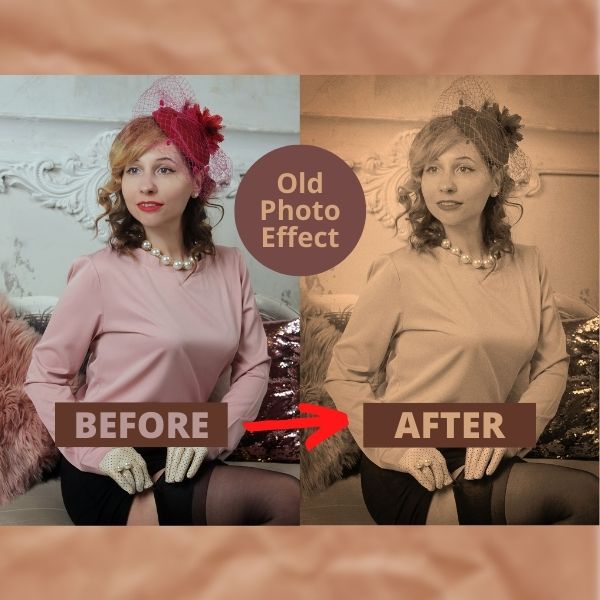
Learn how to use Luminar Neo’s photo editing features to create a vintage look for your photos. Create a dreamy, black and white filter that makes your images look like they were taken with an old film camera.
If you want to use the photo for practicing click here: vintage photo editing
Vintage Photo Editing (Explained)
If you are looking to create a vintage style photo should start by planning the clothing and scene. Even though you could add this effect to any photo, a vintage look is recommended to show, and old style look in both areas, content, and processing.
In this edit I will use an easy workflow thanks to Luminar Neo´s smart AI. To accomplish the result, I will basically convert the photo to black and white, adjust contrast, shadows, add noise and that´s it!!
The fun part is that the software will do all the heavy lifting in converting the image to black and white with just one click.
How to create a vintage photo edit in Luminar Neo
The workflow of a vintage photo editing process is very simple. You will need to focus only in four things:
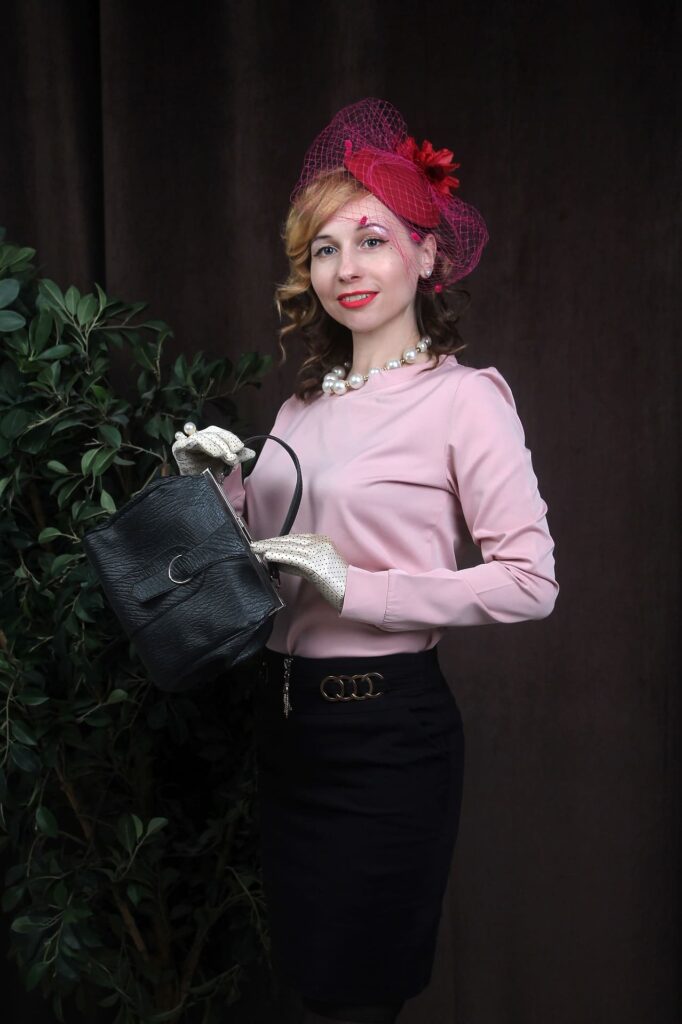
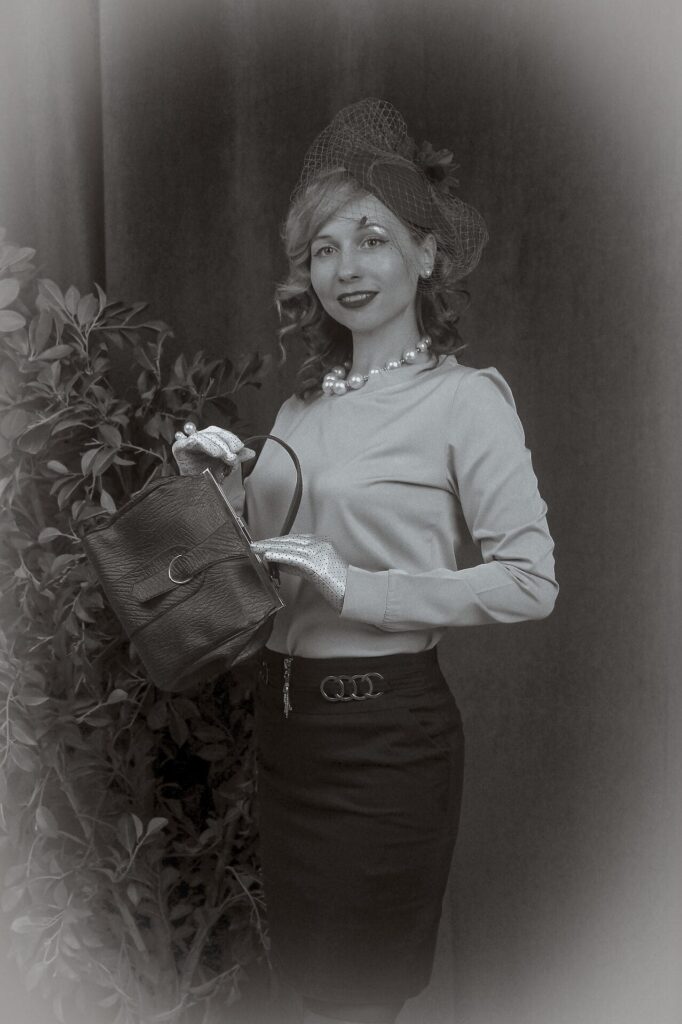
Let me know in the comments below if are going to use this effect in your photos. Remember that to have a great photo the clothing and scene setting of the subject should match that of an old style.
Until the next straight to the point tutorial!
Blessings,
José
PD: If you want to check the most recent offer of this software, just go to: ¡Luminar Neo BEST OFFER!