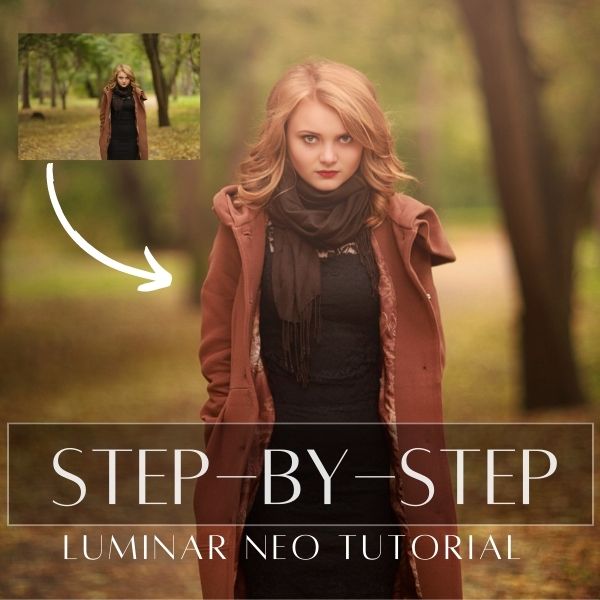
Discover how to edit a soft and dreamy style children portrait with the new luminar neo. With only a few clicks you can add beautiful colors and textures, as well as create a more dramatic and interesting look.
Download practice photo: https://www.signatureedits.com/free-raw-photos/
Download overlays(PNG file): Dreamy Sun Pack
Download textures(Devianart): https://www.deviantart.com/inadesign-stock/art/Canvas-Texture-Pack-1-259725506
Editing workflow in Luminar Neo
One thing I like about Luminar Neo, is that it makes it easy to accomplish certain tasks that usually will take several steps in other photo editing software. The workflow I used to edit this portrait is the following:
My Luminar Neo favorite tools
The main reason I am using Luminar Neo more an more in my edits is because of the AI based tools.


Even though some of the adjustments might look exaggerated, I did it like that because I knew that the overlay layer will darken and soften the light due to the “soft light” layer blending mode.
Below you could see the before and after:


If you want to check the current price, click here: ¡Luminar Neo BEST OFFER!
Until the next straight to the point tutorial!
Blessings,
José