I recently had the pleasure of using Luminar Neo to enhance an outdoor photo.
Download practice photo: https://www.signatureedits.com/free-raw-photos/
Editing workflow in Luminar Neo
First, I opened the image in the Develop tool and changed the camera profile to neutral to give me a neutral canvas to work with.
Next, I added the Landscape tool and adjusted the settings to create a warm tone that complemented the natural hues in the photo. I wanted to make sure the colors looked rich and inviting, which the Landscape tool helped me achieve.
Then, I decided to replace the sky using the Sky AI tool. This allowed me to swap out the dull and overcast sky for a more vibrant and interesting one. I then tweaked the overall tone of the image to match the new sky, ensuring that everything blended together seamlessly.
To add more depth and dimension to the image, I used the Super Contrast tool to affect only the highlights and midtones. This created a striking contrast between the brighter and darker areas of the photo, which made it more visually appealing.
Next, I added a linear gradient on the top and bottom of the image and reduced its exposure to darken those areas slightly. This created a horizontal vignette effect that drew the viewer’s eye towards the center of the photo.
To add a final touch of sharpness, I used the Supersharp AI tool. This tool helped me to bring out some of the finer details in the image and make it look even more crisp and clear.
Finally, I wrapped up the editing process by adding a regular vignette to further enhance the overall mood and atmosphere of the photo.
Overall, I was really pleased with the results of my Luminar Neo workflow. The tools are intuitive and easy to use, and the final image was a beautiful representation of a natural outdoor photo captured.
My Luminar Neo favorite tools
The main reason I am using Luminar Neo more an more in my edits is because of the AI based tools.


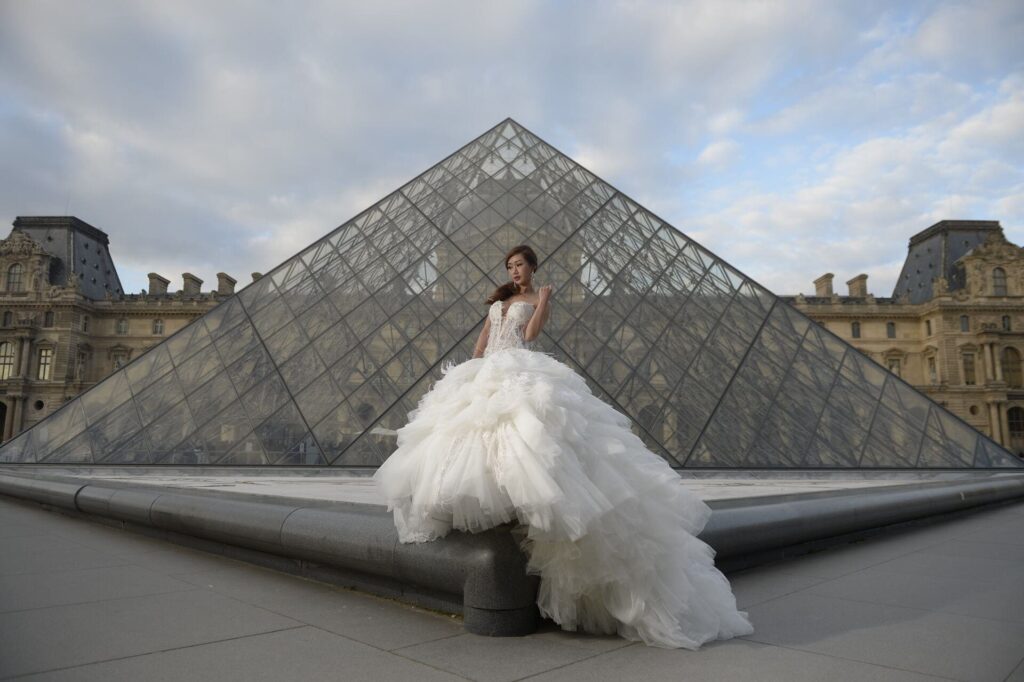
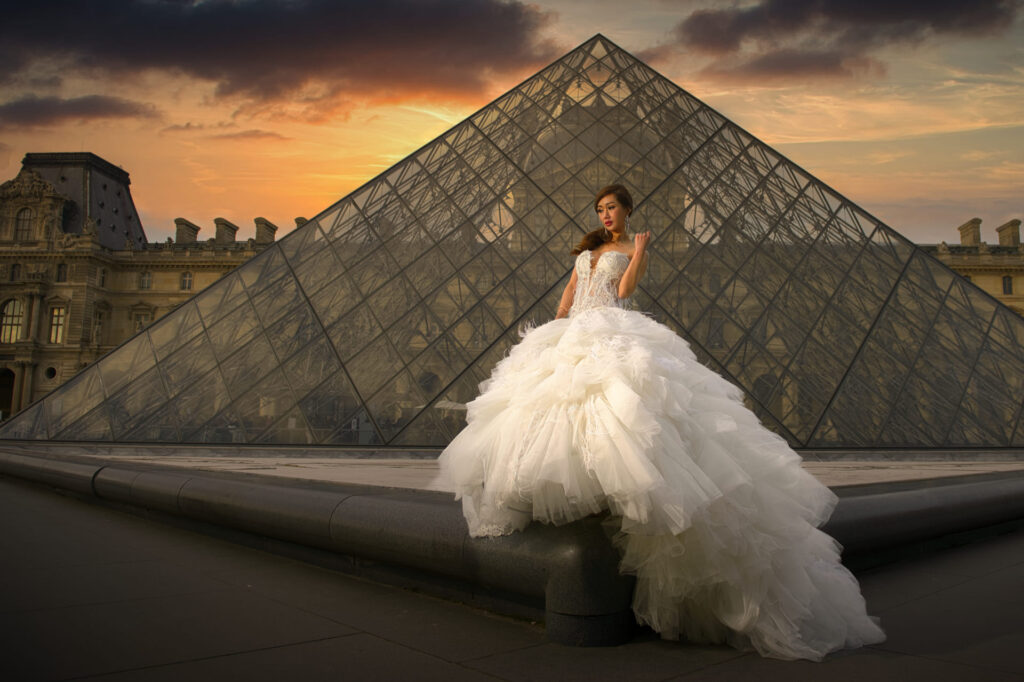
Below you could see the before and after:
If you want to check the current price, click here: ¡Luminar Neo BEST OFFER!
Until the next straight to the point tutorial!
Blessings,
José